Advanced October 23, 2026 6 min read
Can You Record Live IPTV Streams? USB, NAS & Cloud Storage Setup
By David Wright (Audio/Video Architect)
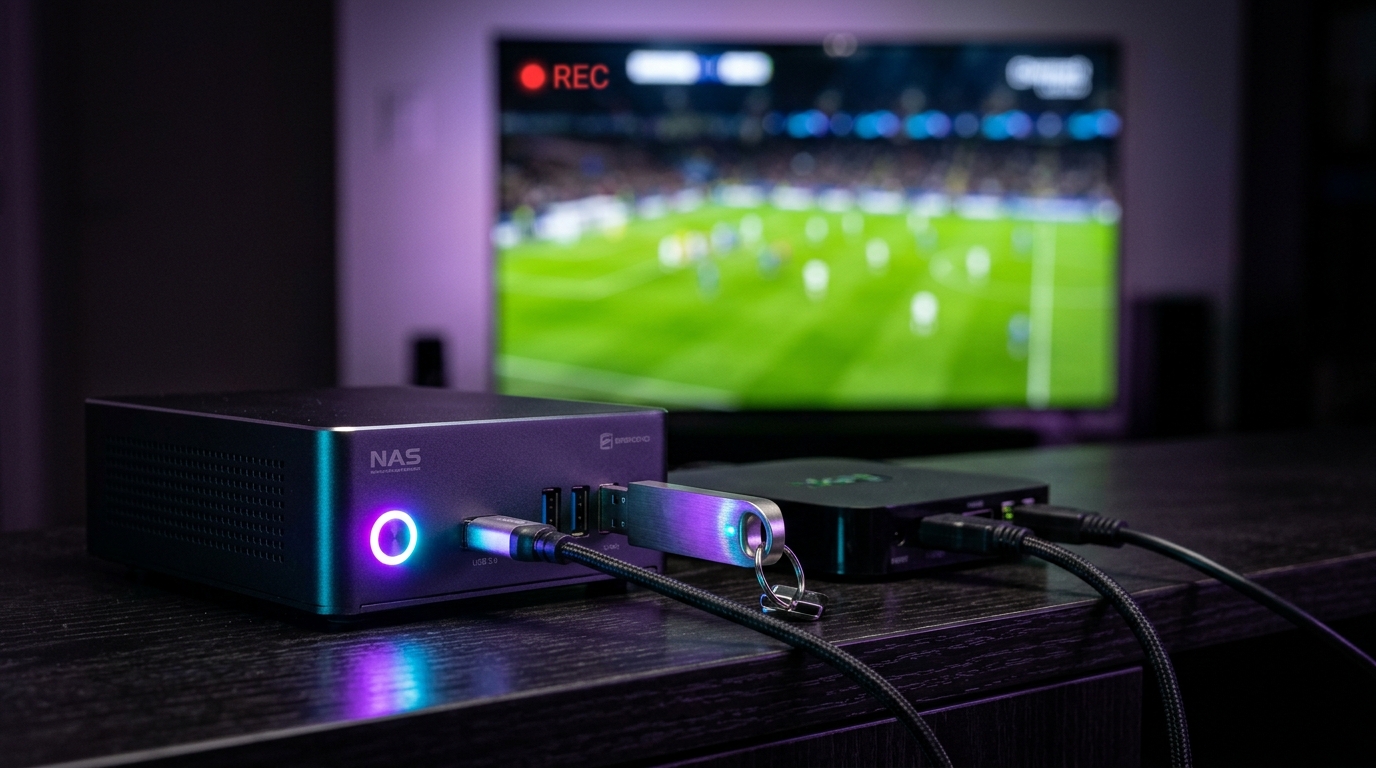
One of the most frequent questions from prospective cord-cutters is: "Can I record live television with IPTV just like I did with TiVo or Sky+ boxes?" The answer is an emphatic YES. While legacy streaming relies on cloud catchup, you can schedule and record live 4K streams locally to external storage.
1. Recording with an External USB Drive on Firestick
Because Amazon Fire TV Sticks have limited internal storage (typically 8 GB or 16 GB), storing a 4K 60 FPS football match (which requires ~10 GB to 15 GB of storage) requires an external drive.
- What you need: A micro-USB OTG (On-The-Go) Y-cable adapter and a USB 3.0 flash drive (formatted as FAT32).
- Setup: Plug the OTG cable into your Firestick, connect the power cable and the USB drive.
- In TiviMate, go to Settings > Other > Recording > Recording folder and select your USB drive. You can now press 'Record' on any live stream or schedule future recordings directly from the EPG guide!
2. Recording to a Home NAS via SMB / NFS
For advanced setups, storing recorded broadcasts on a Network Attached Storage (Synology, QNAP, TrueNAS, or a shared Windows folder) is the ultimate solution.
- In TiviMate or ORA Player, add an SMB Share. Enter your local network server IP (e.g. 192.168.1.100), username, and password.
- Any TV connected to your local network can now read and play recorded matchday files with zero lag.
3. Critical Rule: Active Connection Requirements
Recording a live IPTV channel counts as an active stream connection. If you are recording a Premier League match in the living room while watching a movie in the bedroom, your subscription must support at least 2 active connections. Obsidian IPTV offers 2-screen and 3-screen multi-connection bundles with a 50% discount on additional screens.
Summary: With an inexpensive OTG cable or home NAS and TiviMate, full DVR recording functionality is completely restored to your living room.
Recommended Ecosystem
Browse All 7 Players →Compatible IPTV Players & Setup Walkthroughs
Code: 611293ORA Player Pro →Code: 272483TiviMate Premium →HardwareFire TV Stick →Tizen OSSamsung Smart TV →
Ready to stream on your favorite player?
Instant M3U & EPG delivered immediately. Zero KYC, crypto & bank transfer accepted.
Ready to test this configuration?
Experience 25,000+ Channels with 24 Hours Free Trial
Dedicated IPTV Players
Compare ORA, IBO Player Pro, TiviMate & download officially.
Included Licenses
Get 1 Year free with 12M plan, or Lifetime free with 24M plan.
Instant WhatsApp Setup
Chat 24/7 with our engineers for custom test M3U links.
Have a technical setup question about this article?
Our specialized stream engineers operate 24/7. Submit an inquiry or chat with us directly.