Troubleshooting October 23, 2026 6 min read
How to Fix IPTV Buffering: The Definitive 2026 Troubleshooting Guide
By Alex Mercer (Lead Systems Engineer)
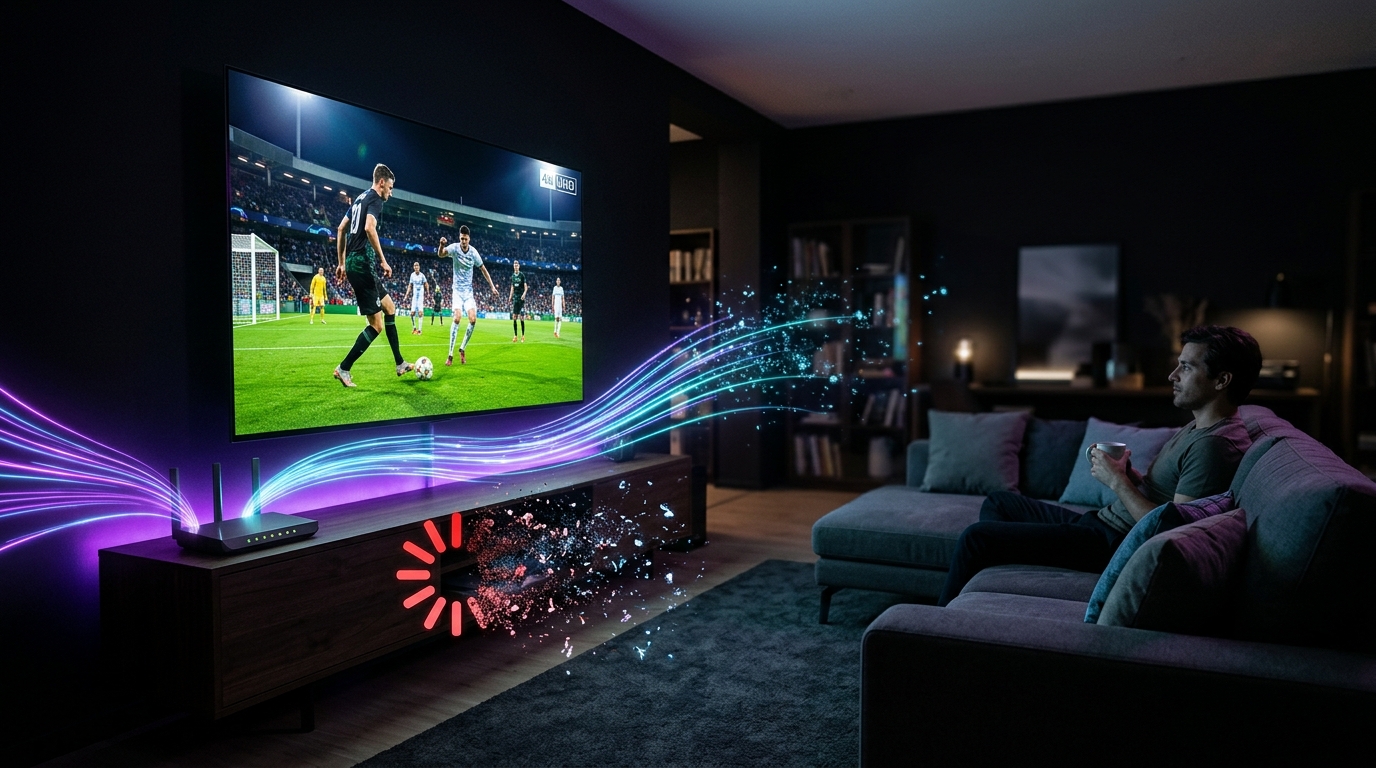
Experiencing buffering during a crucial 90th-minute Champions League goal or a high-speed Formula 1 lap is the most frustrating issue in live streaming. Contrary to popular belief, buffering is rarely caused by low download speed tests. In this engineering guide, we walk through the exact steps to eliminate IPTV freezing permanently.
1. Increase Media Player Buffer Size
Most modern IPTV applications (ORA Player, TiviMate, IBO ONE) default to a "None" or "Small" buffer to achieve instantaneous zapping speeds. However, live internet connections naturally experience packet jitter.
In your player settings, navigate to Playback > Buffer Size and set it to 'Large' (or 3000ms - 5000ms). This allows the client to store several seconds of encrypted stream chunks ahead of time, absorbing minor network fluctuations without pausing your video.
2. Switch from Wi-Fi 2.4 GHz to 5 GHz or Ethernet
The 2.4 GHz Wi-Fi frequency band is congested with household interference from Bluetooth devices, microwaves, and neighboring routers, resulting in packet drop rates above 2%. For live 4K 60 FPS feeds, always connect your Fire TV Stick, Apple TV, or Smart TV to the 5 GHz Wi-Fi band, or use a direct Ethernet cable.
3. Bypass ISP Video Streaming Throttling
During major live sports events, many Tier-1 Internet Service Providers (ISPs) actively throttle UDP video traffic to protect overall network capacity. Because Obsidian IPTV utilizes decentralized edge cache proxies with TLS encryption, stream traffic resembles standard secure HTTPS web sessions, preventing automated deep packet inspection (DPI) throttling by your ISP.
4. Enable Hardware Video Decoding (H.265 / HEVC)
If your TV processor struggles to decode high-bitrate 4K 60 FPS streams using software rendering, your player will drop frames and stutter. Go to Settings > Player > Decoder and switch from Software to Hardware (MediaCodec or ExoPlayer). This delegates video decompression directly to your GPU.
Summary: Setting your buffer to Large, switching to 5 GHz Wi-Fi / Ethernet, and ensuring hardware acceleration is enabled will resolve 98% of all streaming freezes.
Recommended Ecosystem
Browse All 7 Players →Compatible IPTV Players & Setup Walkthroughs
Code: 611293ORA Player Pro →Code: 272483TiviMate Premium →HardwareFire TV Stick →Tizen OSSamsung Smart TV →
Ready to stream on your favorite player?
Instant M3U & EPG delivered immediately. Zero KYC, crypto & bank transfer accepted.
Ready to test this configuration?
Experience 25,000+ Channels with 24 Hours Free Trial
Dedicated IPTV Players
Compare ORA, IBO Player Pro, TiviMate & download officially.
Included Licenses
Get 1 Year free with 12M plan, or Lifetime free with 24M plan.
Instant WhatsApp Setup
Chat 24/7 with our engineers for custom test M3U links.
Have a technical setup question about this article?
Our specialized stream engineers operate 24/7. Submit an inquiry or chat with us directly.