Smart TV October 23, 2026 5 min read
How to Install IPTV on Samsung Smart TV & LG webOS Without a Firestick
By Marcus Vance (Consumer Tech Lead)
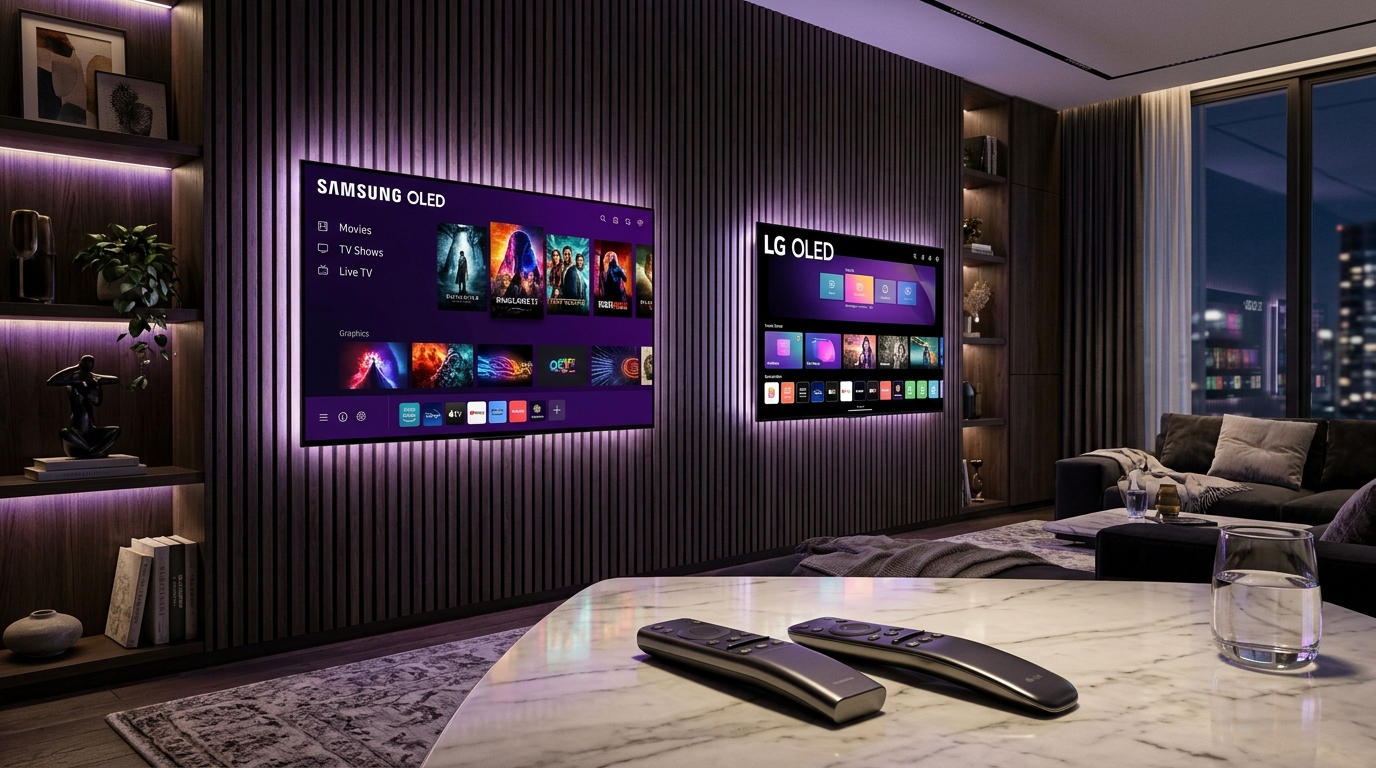
Many television owners assume they must purchase an Amazon Fire TV Stick, Apple TV, or Android TV box to stream IPTV. If you own a Samsung Smart TV (manufactured after 2017) or an LG Smart TV (webOS 3.0+), you can install premium IPTV player applications directly from your TV's official App Store.
1. Installing on Samsung Smart TV (Tizen OS)
1. Turn on your Samsung TV and press the Home button on your Smart Remote.
2. Navigate to 'Apps' (Samsung Smart Hub).
3. In the search bar at the top right, search for 'ORA Player' or 'IBO Player'.
4. Click 'Install'.
5. Once opened, note the MAC Address and Device Key displayed on your TV screen.
6. Visit the official web activation portal or provide your MAC address when purchasing an Obsidian subscription. Your 25,000+ channels and 160,000+ VOD titles will sync directly to your TV.
2. Installing on LG Smart TV (webOS)
1. Press the Home button on your LG Magic Remote and select 'LG Content Store' (or 'Apps').
2. Search for 'IBO ONE' or 'Duplex Play'.
3. Download and launch the application.
4. LG's Magic Remote works as a seamless point-and-click mouse, providing the fastest electronic program guide (EPG) navigation available on any smart TV platform.
3. Benefits of Native Smart TV Installation
- Zero extra cables or dongles taking up HDMI ports.
- One single remote control for power, volume, and channel zapping.
- Native 4K UHD resolution scaling matched directly to your TV's OLED or QLED panel processor.
Summary: Streaming IPTV directly through your Samsung or LG TV is effortless. Simply install ORA Player or IBO ONE and link your Obsidian line for instant access.
Recommended Ecosystem
Browse All 7 Players →Compatible IPTV Players & Setup Walkthroughs
Code: 611293ORA Player Pro →Code: 272483TiviMate Premium →HardwareFire TV Stick →Tizen OSSamsung Smart TV →
Ready to stream on your favorite player?
Instant M3U & EPG delivered immediately. Zero KYC, crypto & bank transfer accepted.
Ready to test this configuration?
Experience 25,000+ Channels with 24 Hours Free Trial
Dedicated IPTV Players
Compare ORA, IBO Player Pro, TiviMate & download officially.
Included Licenses
Get 1 Year free with 12M plan, or Lifetime free with 24M plan.
Instant WhatsApp Setup
Chat 24/7 with our engineers for custom test M3U links.
Have a technical setup question about this article?
Our specialized stream engineers operate 24/7. Submit an inquiry or chat with us directly.