Technology June 23, 2026 6 min read
Multi-Screen Configuration: Stream on 3 Devices Simultaneously
By Viktor Vane (Infrastructure Architect)
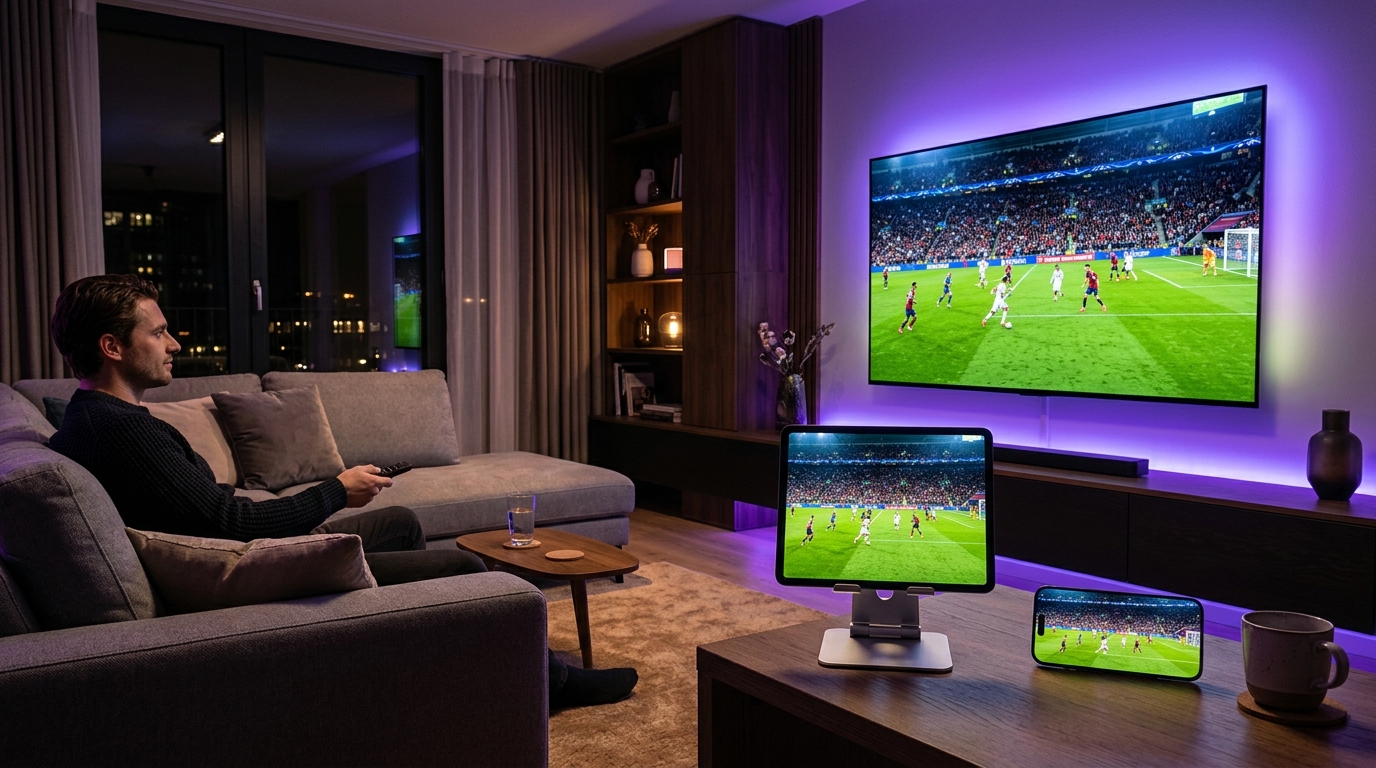
Standard subscriptions usually lock you to one active screen. Obsidian offers flexible multi-screen upgrades at checkout, allowing up to 3 devices to receive feeds simultaneously.
How Connections Are Tracked
Our proxy routing nodes identify active connections via dynamic token matching. When a player requests a stream, the edge server verifies your active tokens.
Bypassing Network Collisions
With a multi-connection plan (2 or 3 screens), our nodes spawn unique concurrent session tokens under your subscription key. This prevents IP collisions, allowing you to stream live sports in the living room while family members watch movies in other rooms.
Setting Up Separate Profiles
In apps like ORA Player, Tivimate, or IBO ONE, you can configure your playlists on multiple boxes. We recommend assigning unique device labels (e.g. Living Room, Bedroom) inside your app to make sure player state logs remain isolated.
Recommended Ecosystem
Browse All 7 Players →Compatible IPTV Players & Setup Walkthroughs
Code: 611293ORA Player Pro →Code: 272483TiviMate Premium →HardwareFire TV Stick →Tizen OSSamsung Smart TV →
Ready to stream on your favorite player?
Instant M3U & EPG delivered immediately. Zero KYC, crypto & bank transfer accepted.
Ready to test this configuration?
Experience 25,000+ Channels with 24 Hours Free Trial
Dedicated IPTV Players
Compare ORA, IBO Player Pro, TiviMate & download officially.
Included Licenses
Get 1 Year free with 12M plan, or Lifetime free with 24M plan.
Instant WhatsApp Setup
Chat 24/7 with our engineers for custom test M3U links.
Have a technical setup question about this article?
Our specialized stream engineers operate 24/7. Submit an inquiry or chat with us directly.