Hardware July 1, 2026 5 min read
Optimizing Your Local Home WiFi for UHD Streaming Feeds
By Alex Mercer (Tech Support Lead)
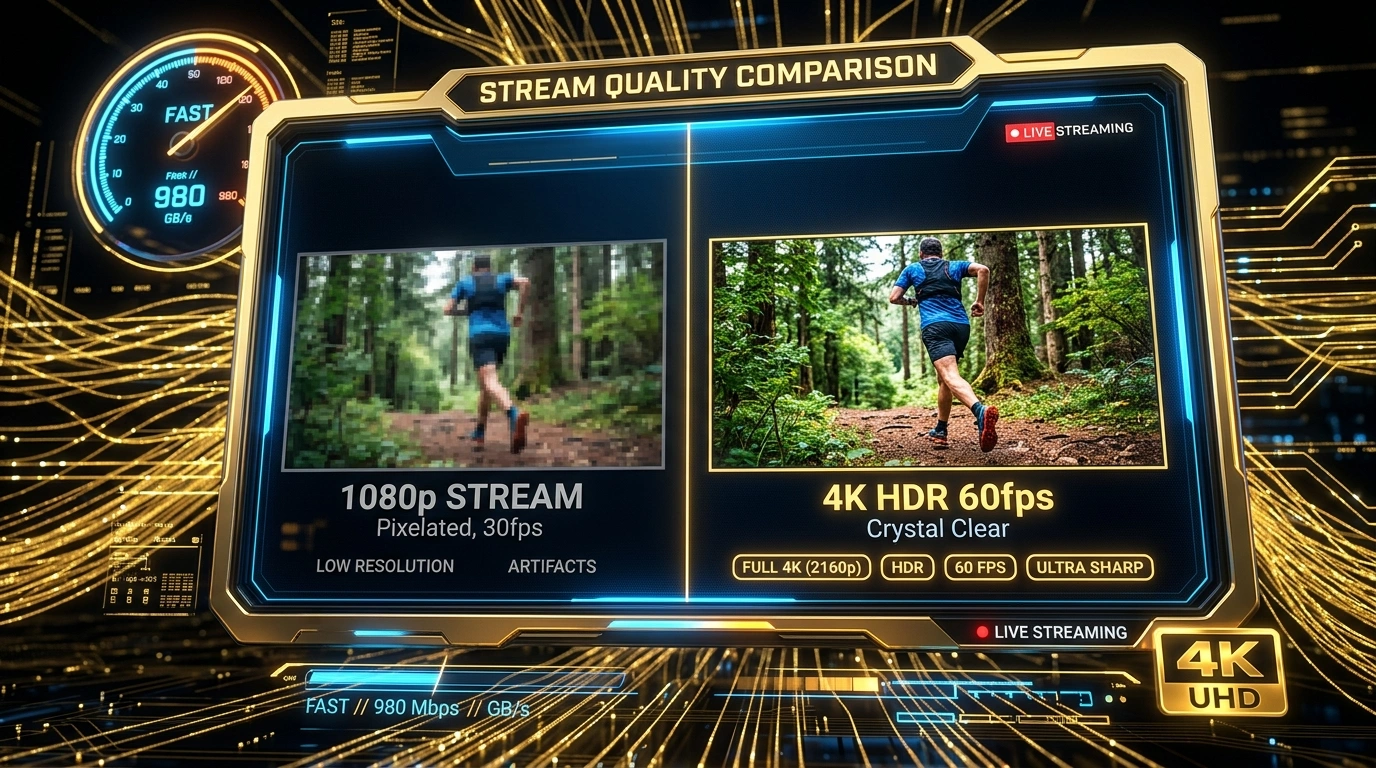
Even with a 100 Mbps internet connection, you can experience stream buffering if your local home network is suffering from wireless packets collision.
WiFi Jitter vs. Speed
High-definition streams require a stable, continuous flow of packets. WiFi jitter occurs when other home devices (like smart appliances or phones) send traffic bursts, causing packet delays.
1. Connect to the 5GHz Band
Always connect your streaming TV or Firestick to your router's 5GHz band. The 2.4GHz band is highly congested and has trouble maintaining the high throughput needed for 4K.
2. Swap to Ethernet
For absolute stability, connect a physical LAN cable to your TV box. This eliminates all radio interference, lowering local ping latencies.
3. Change to Cloudflare DNS
Under your TV box network settings, change your DNS servers to Cloudflare (1.1.1.1 and 1.0.0.1) or Google (8.8.8.8). This ensures your player resolves our CDN edge node domain names rapidly.
Recommended Ecosystem
Browse All 7 Players →Compatible IPTV Players & Setup Walkthroughs
Code: 611293ORA Player Pro →Code: 272483TiviMate Premium →HardwareFire TV Stick →Tizen OSSamsung Smart TV →
Ready to stream on your favorite player?
Instant M3U & EPG delivered immediately. Zero KYC, crypto & bank transfer accepted.
Ready to test this configuration?
Experience 25,000+ Channels with 24 Hours Free Trial
Dedicated IPTV Players
Compare ORA, IBO Player Pro, TiviMate & download officially.
Included Licenses
Get 1 Year free with 12M plan, or Lifetime free with 24M plan.
Instant WhatsApp Setup
Chat 24/7 with our engineers for custom test M3U links.
Have a technical setup question about this article?
Our specialized stream engineers operate 24/7. Submit an inquiry or chat with us directly.