Guides June 22, 2026 5 min read
Unlocking IPTV on Apple TV: A Complete GSE Smart Tutorial
By Alex Mercer (Tech Support Lead)
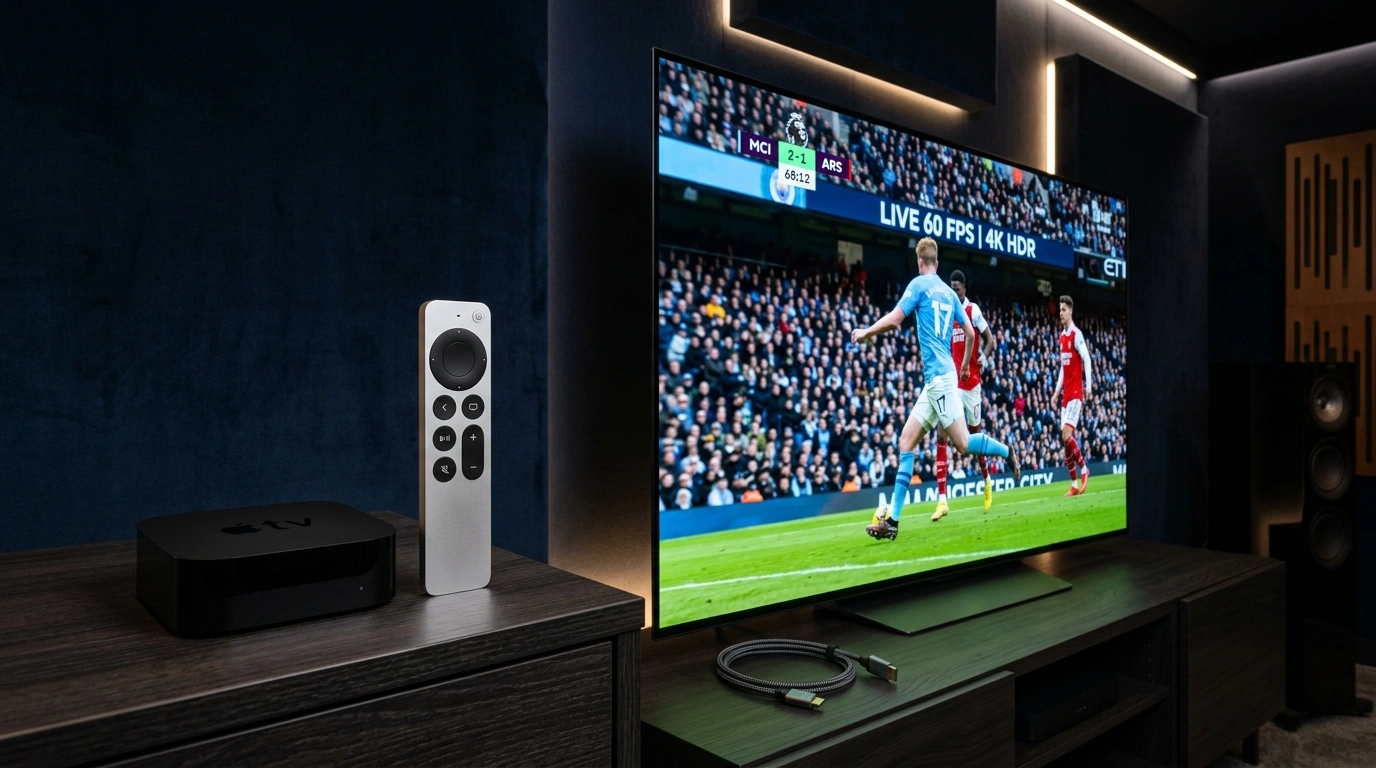
Apple TV is a highly powerful streaming device, but it lacks some common Android sideload apps. Fortunately, apps like ORA Player and IBO ONE provide native tvOS experiences.
1. Install Your Apple TV Player
Open the App Store on your Apple TV and search for "ORA IPTV Player" or "IBO ONE". Both apps are available natively.
2. Configure Remote Playlist
Select 'Add Playlist' from the menu. Enter your playlist name and paste the raw M3U link generated from your Obsidian account dashboard.
3. Sync the EPG Guide
Add your remote EPG XML source. This aligns show titles, air times, and description meta on your television screen.
4. Toggle Hardware Decoding
Under Apple TV player settings inside the app, turn on 'Use Apple Native Decoder' (VTDecoder). This utilizes your Apple A-series processor directly, rendering HDR feeds with zero lag.
Recommended Ecosystem
Browse All 7 Players →Compatible IPTV Players & Setup Walkthroughs
Code: 611293ORA Player Pro →Code: 272483TiviMate Premium →HardwareFire TV Stick →Tizen OSSamsung Smart TV →
Ready to stream on your favorite player?
Instant M3U & EPG delivered immediately. Zero KYC, crypto & bank transfer accepted.
Ready to test this configuration?
Experience 25,000+ Channels with 24 Hours Free Trial
Dedicated IPTV Players
Compare ORA, IBO Player Pro, TiviMate & download officially.
Included Licenses
Get 1 Year free with 12M plan, or Lifetime free with 24M plan.
Instant WhatsApp Setup
Chat 24/7 with our engineers for custom test M3U links.
Have a technical setup question about this article?
Our specialized stream engineers operate 24/7. Submit an inquiry or chat with us directly.